

Description
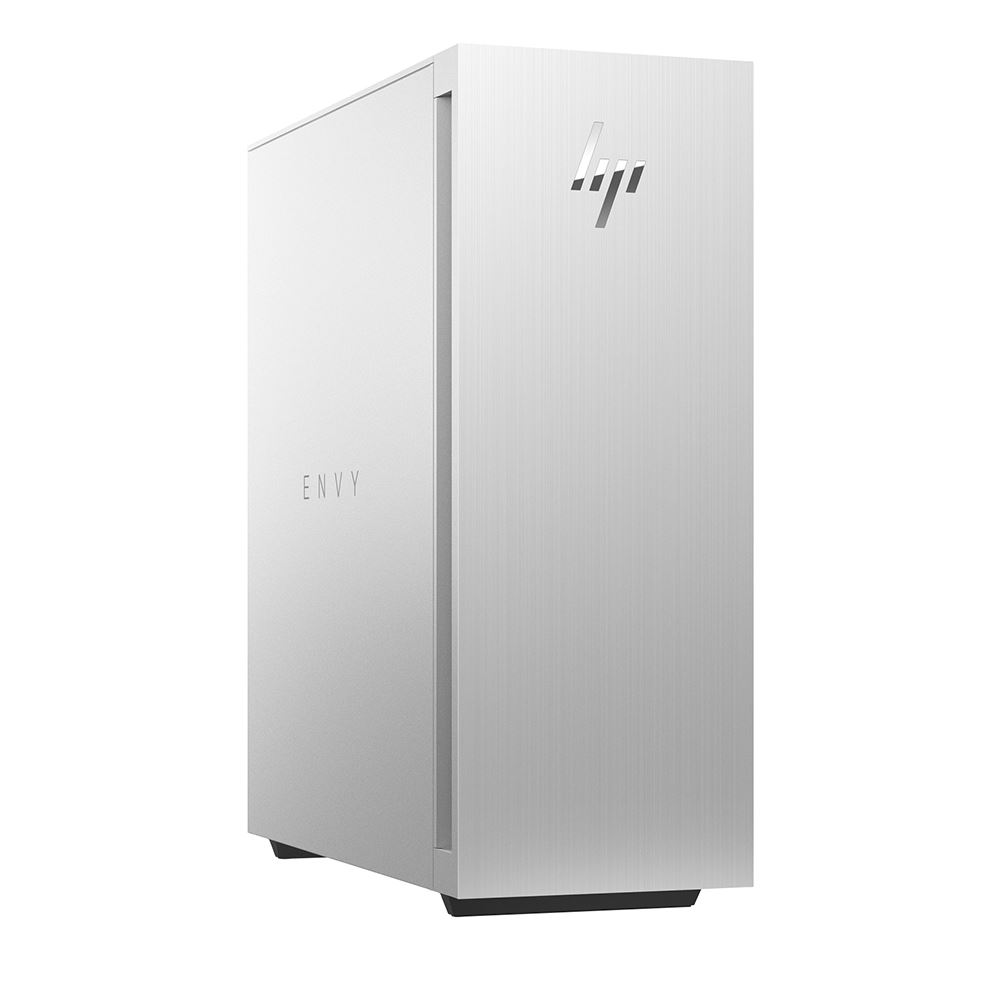
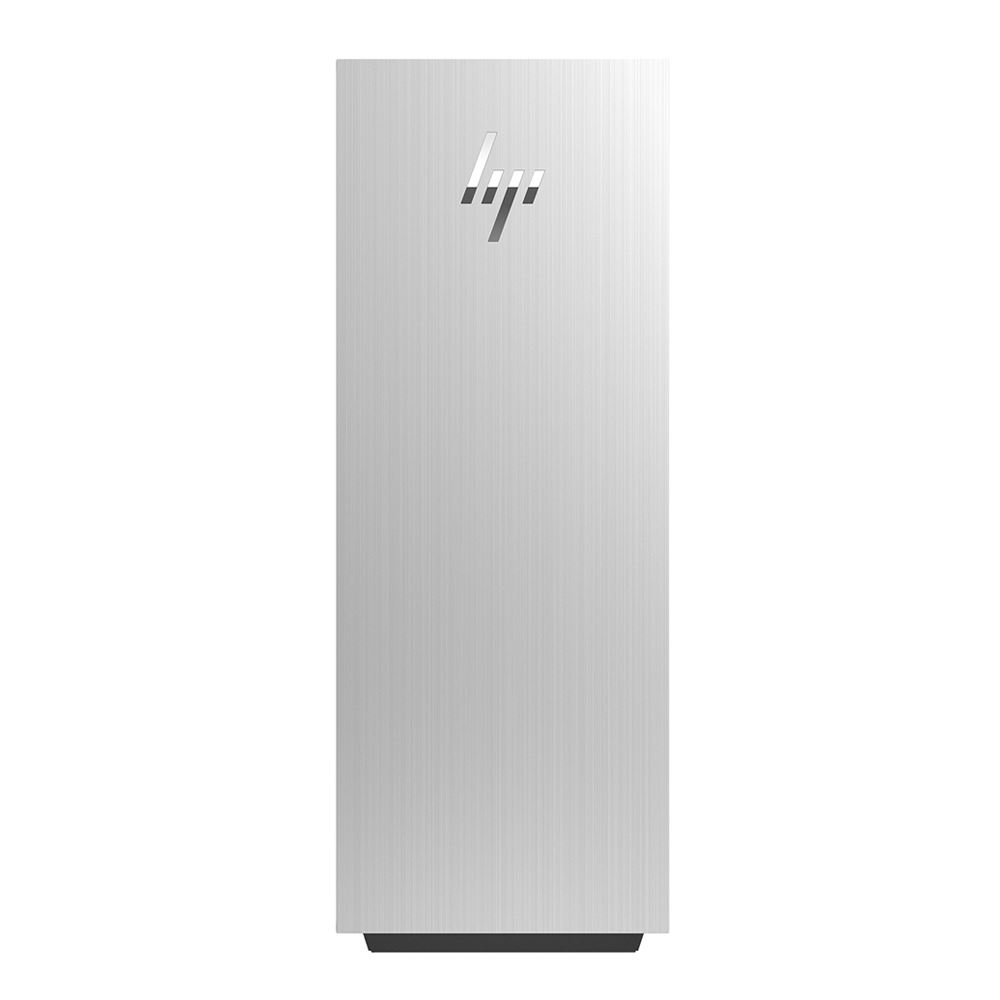
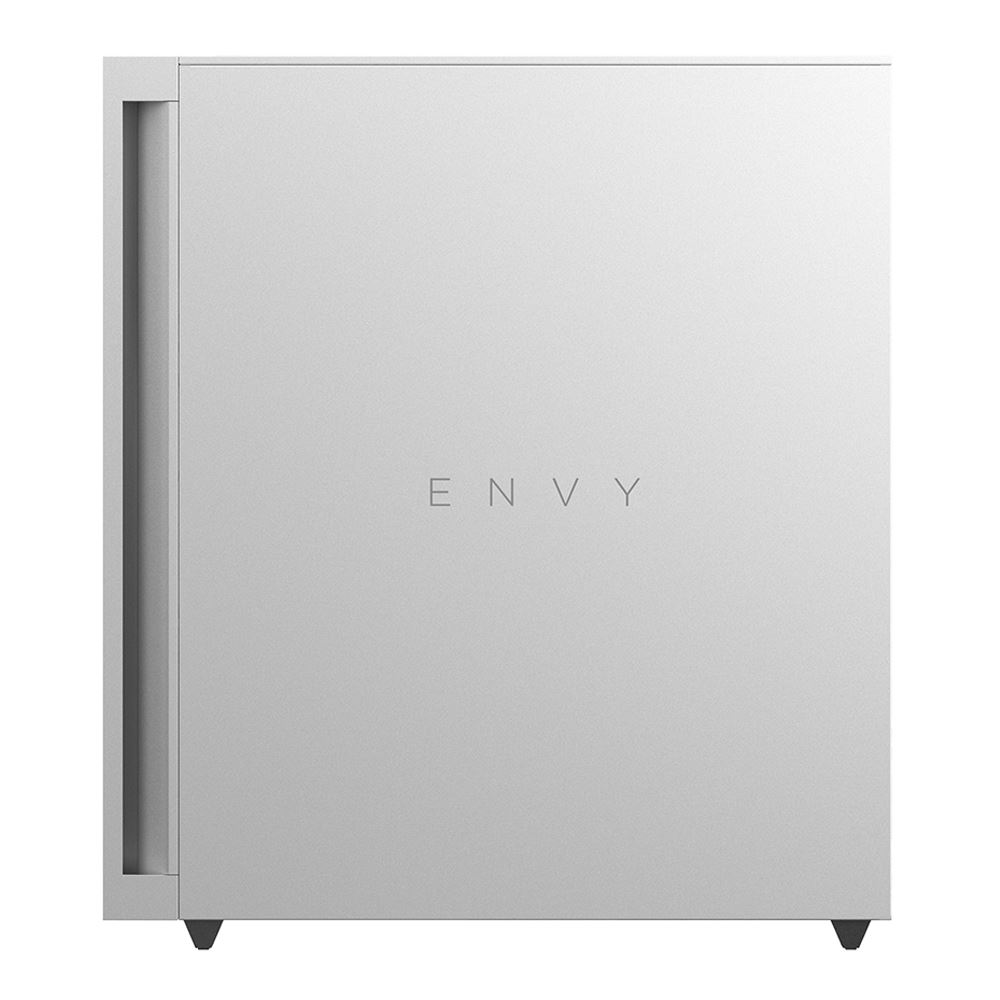
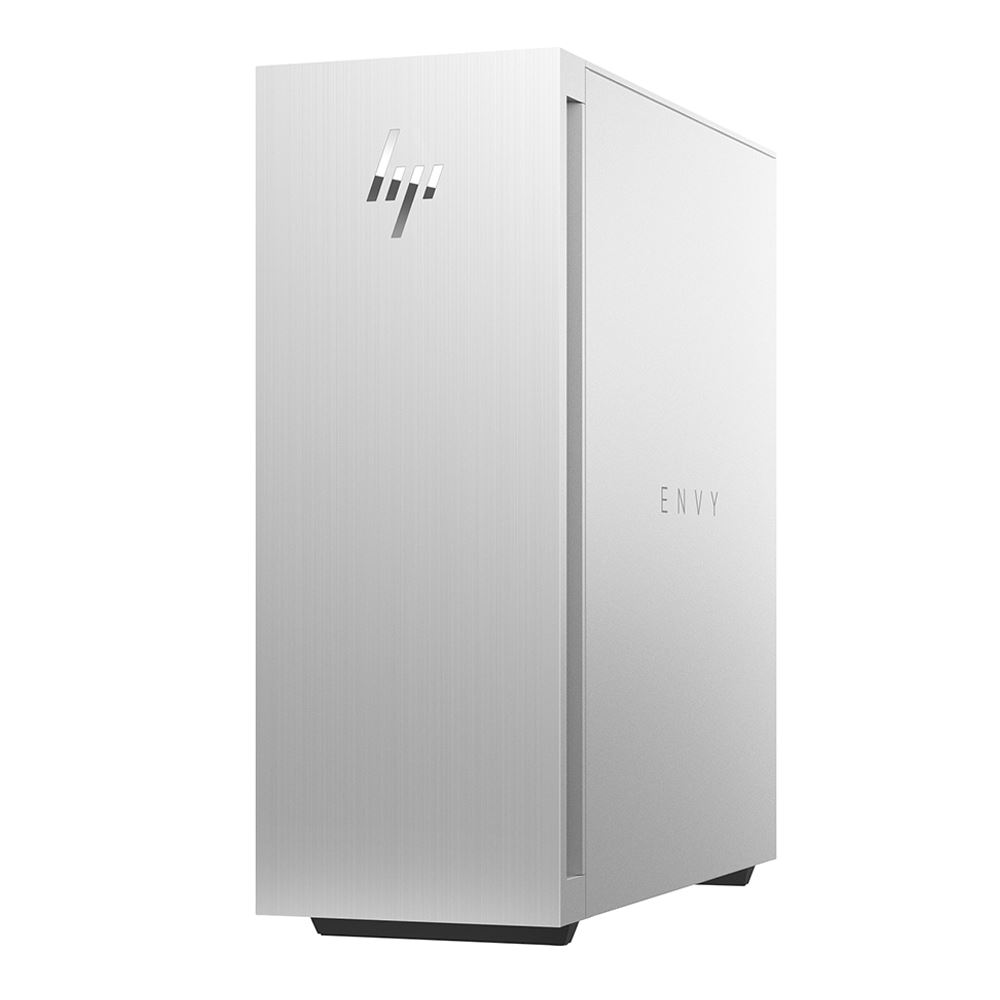
HP ENVY TE02-0030 Desktop Computer 319M1AAABA
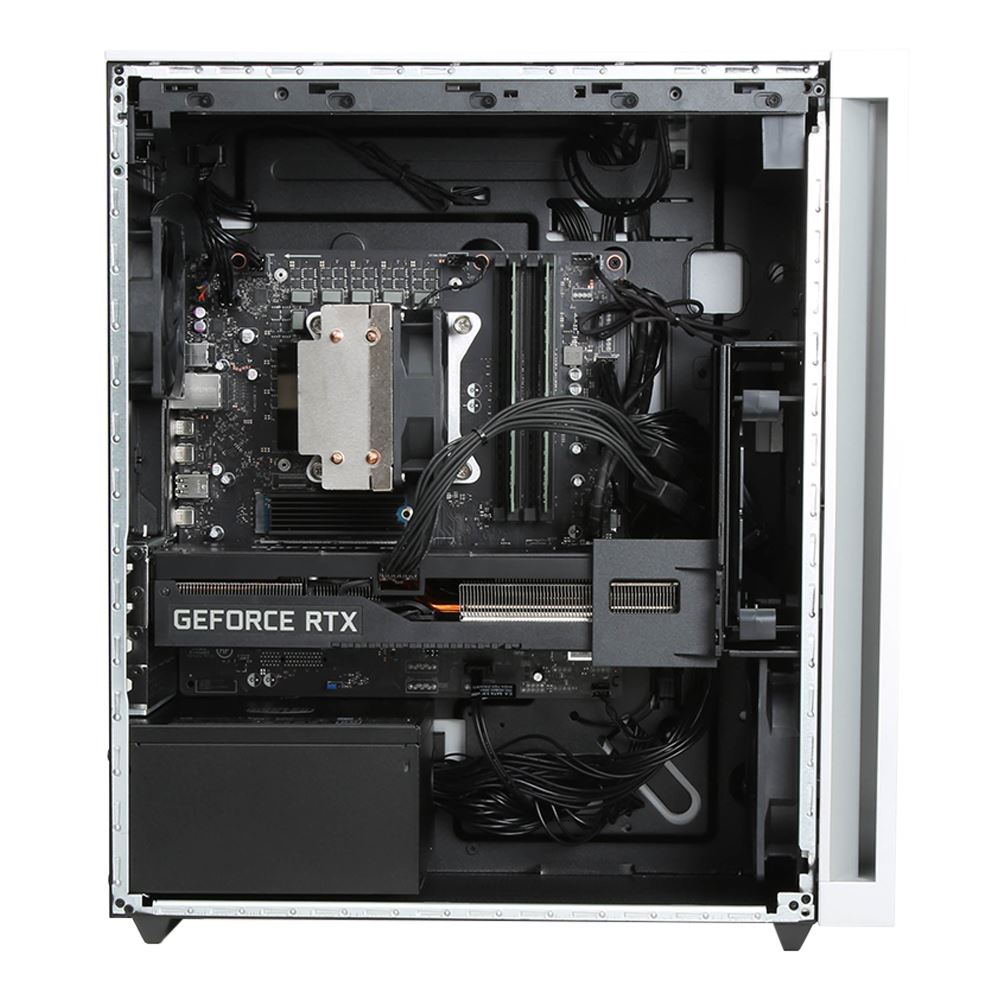
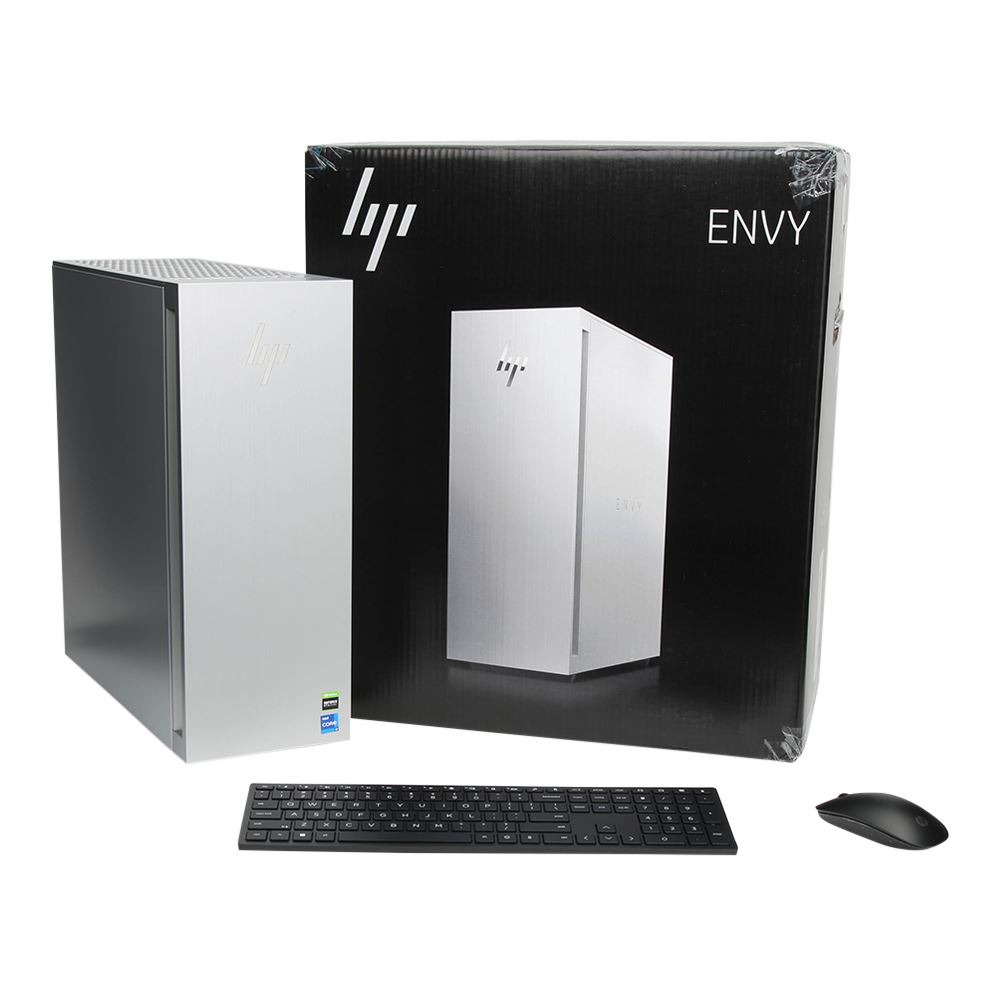
The HP ENVY TE02-0030 Desktop Computer. Powered by a 12th Gen Intel Core i7 12-Core processor and 16GB of 3200 MHz DDR4 RAM, the HP ENVY delivers the performance you need to run your apps with ease. The 1TB M.2 NVMe PCIe SSD allows for fast boot and load times. Visuals are handled by the dedicated NVIDIA GeForce RTX 3070 Ti graphics card, which can deliver realistic raytracing.
The HP ENVY is plenty powerful, but provides the opportunity to expand, thanks to its tool-less design. The chassis is also made of up to 15% post-consumer recycled plastic and water-based paint for a sustainable design that is eco-friendly.
HP Envy
12th Gen Intel Core Performance
The system houses a 12th Gen Intel Core i7-12700 processor. Its twelve cores, which is made up of eight performance cores and four efficiency cores, can be boosted up to 4.9 GHz.
NVIDIA GeForce RTX 30-Series Graphics
With an NVIDIA GeForce RTX 30-Series graphics card installed, the HP ENVY allows you to take full advantage of NVIDIA Ampere architecture. The NVIDIA RTX 30-Series provides realistic raytracing and cutting edge AI features.
Keyboard and Mouse Included
A wireless keyboard and mouse are included.
Windows 11
A New Start Position
Windows 11 has been completely redesigned from its predecessor to emphasize productivity, creativity, and ease of use. The customizable Start Menu is now at the center of the taskbar and utilizes the cloud, allowing you to quickly find and access recent files, regardless of what platform or device was previously used to view them. The streamlined Start Menu design also lets you pin apps and recent files in addition to powering down the system.
Making Productivity a Snap
Multitask with speed and efficiency with the ability to snap apps side by side. Snap Layouts and Snap Groups help to keep your windows organized using different layouts that are designed to fully optimize your screen space, no matter its size and resolution. Windows 11 also remembers their positions, so you can resume from where you left off when selecting Snap Groups from the task bar, allowing you to switch between both individual applications and entire projects. Snap Layouts are also automatically restored when docking laptops with external monitors.
Next Level Gaming
Windows 11 is designed to deliver smooth, immersive gaming experiences with DirectX 12 Ultimate providing realistic graphics at high frame rates while Auto HDR automatically adjusts your game’s lighting and contrast for high dynamic range. DirectStorage technology streamlines data access to better take advantage of high-speed devices such as NVMe solid-state drives and directly from graphics cards without dragging down the CPU, which minimizes load times while helping to reduce artifacts such as texture popping. Topping it all off is Xbox Game Pass integration, which provides you with access to a massive library of games with a membership subscription.
Microsoft Teams Integration
Stay connected with friends, family, coworkers, and clients with Microsoft Teams Chat integrated onto the Windows 11 taskbar. With a touch, you can connect to your contacts via text, voice, and video, regardless of whether they’re using Windows, Android, or iOS devices. You can also communicate with those who don’t have the Teams app installed using two-way SMS messaging.
Adapting to You
The Adaptive Input feature automatically optimizes the Windows 11 interface to however you prefer to interact with your device, whether it’s using a mouse, keyboard, touch, voice, or handwriting.
Redesigned Microsoft Store
The Microsoft Store is rebuilt from the ground up for a streamlined experience when looking for content such as apps, games, movies, and shows. Apps downloaded from the Store have been tested for security and family safety. Android apps will also be available on the Microsoft Store through the Amazon Appstore and can be used directly on your PC from the taskbar or Start Menu.
| Brands | Hp |
|---|
HP TE02-0030 Specs
| Operating System | Windows 11 Home |
Performance
| Processor | Intel Core i7-12700 (12th Gen) |
| CPU | 2.1 to 4.9 GHz Performance 8-Core 1.6 to 3.6 GHz Efficiency Quad-Core |
| L3 Cache | 25 MB |
| Graphics Type | Dedicated |
| GPU | NVIDIA GeForce RTX 3070 Ti with 8 GB GDDR6X VRAM |
| Memory Type | 3200 MHz DDR4 |
| Total Installed Memory | 16 GB |
| Memory Configuration | 2 x 8 GB |
| Maximum Memory Capacity | 128 GB |
| Memory Slot Type | Not Specified by Manufacturer |
| Buffered Memory | No |
| ECC Memory | No |
Storage and Expansion
| Total Installed Capacity | 1 TB |
| Solid State Storage | 1 x 1 TB M.2 NVMe PCIe |
| Optical Drive | None |
I/O
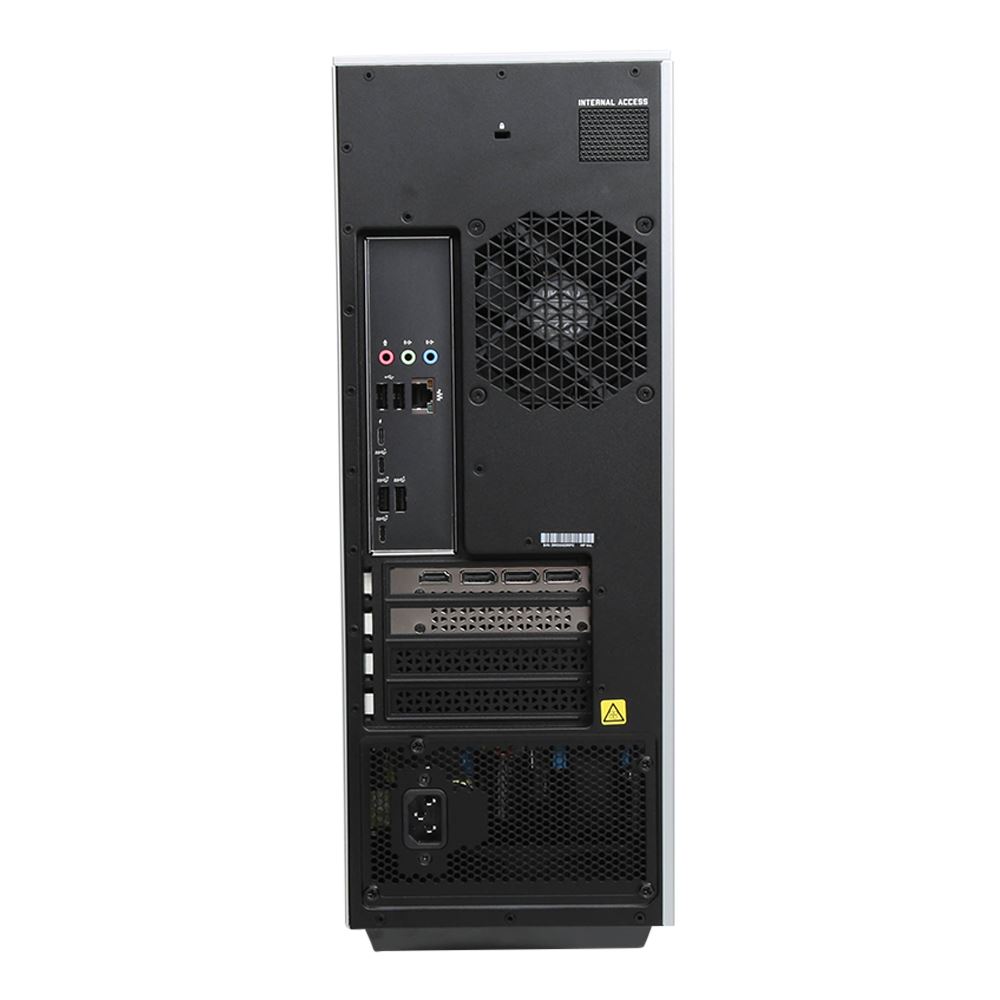
| Ports | 2 x USB-A 3.1/3.2 Gen 2 4 x USB-A 3.0 / 3.1/3.2 Gen 1 2 x USB-A 2.0 |
| USB Type-C | 1 x Thunderbolt 4 (Supports DisplayPort) 1 x USB 3.1/3.2 Gen 2 (Supports DisplayPort) 2 x USB 3.0 / 3.1/3.2 Gen 1 (Supports DisplayPort) |
| Display | 1 x HDMI 2.1 3 x DisplayPort |
| Audio I/O | 1 x 1/8″ / 3.5 mm Headphone Output 1 x 1/8″ / 3.5 mm Microphone Input 1 x 1/8″ / 3.5 mm Line Input 2 x 1/8″ / 3.5 mm Line Output |
| Built-In Speakers | None |
| Built-In Microphones | None |
| Media/Memory Card Slot | Single Slot: SD/SDHC/SDXC |
Communications
| Ethernet | 1 x RJ45 (Gigabit) |
| Wi-Fi | Wi-Fi 6 (802.11ax) |
| MU-MIMO Support | Yes |
| Bluetooth | 5.2 |
| NFC | No |
Keyboard & Mouse
| Keyboard | Notebook Keyboard |
| Pointing Device | Wireless Mouse |
General
| Security | Kensington Lock Slot |
| Dimensions | 17.64 x 15.59 x 6.5″ / 44.81 x 39.6 x 16.5 cm |
| Weight | 30.31 lb / 13.75 kg |
Packaging Info
| Package Weight | 30 lb |
| Box Dimensions (LxWxH) | 22.3 x 19 x 11.8″ |